
A hot water pressure washer may maintain a steady temperature while cleaning a large equipment housing, then run hot and cold when operators stop between smaller parts. Another machine may lose temperature several minutes into continuous spraying. These patterns call for different checks.
Start by recording when the outlet temperature changes and what happened just before it. Did the operator release the trigger to move a part? Did another station start drawing water? Was a different nozzle or hose fitted? Recording those details alongside pressure and heating status makes the problem easier to reproduce.
Table of Contents
- Identify the Temperature Pattern
- Check the Water Supply When Pressure Also Changes
- Verify the Operating Flow Rate, Nozzle, and Hose
- Compare Heating Status with Measured Temperature
- Reproduce the Actual Cleaning Cycle
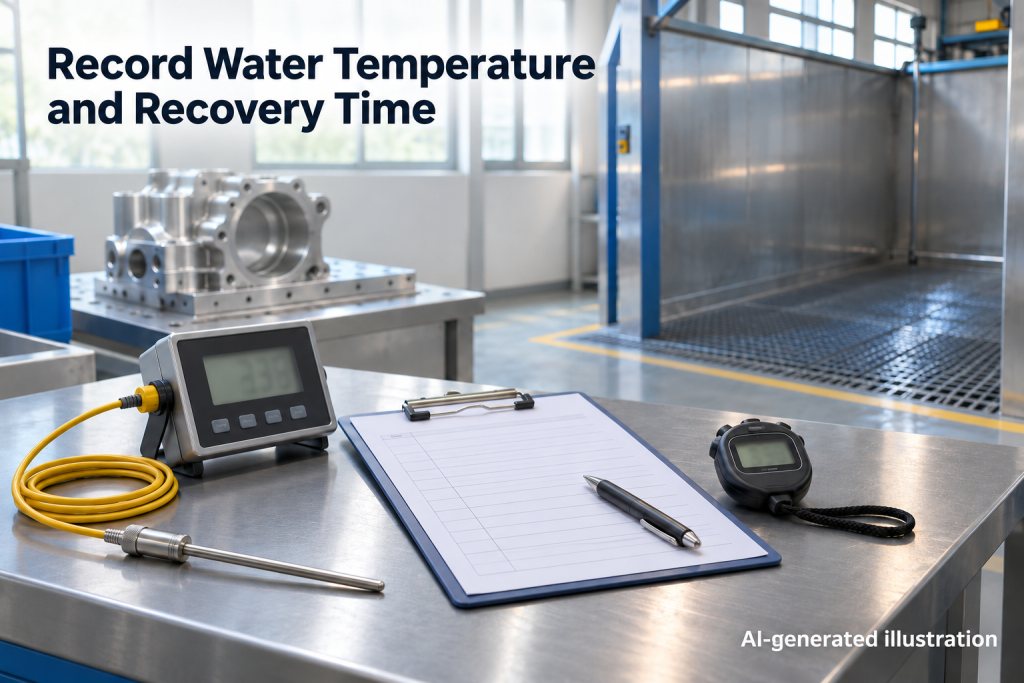
- Record Temperature and Recovery Time During Acceptance Testing
- Frequently Asked Questions
1. Identify the Temperature Pattern
Before troubleshooting a hot water pressure washer, describe the temperature change in terms another operator can reproduce. “The water went cold” leaves out the timing and the operating conditions. “The temperature dropped after a short pause and recovered during the next part” gives the operator a specific sequence to check.
Three patterns are worth recording separately:
- A brief change after restarting. Note how long the trigger was released, how long the temperature stayed outside the required range, and whether the next part was already being washed when it recovered.
- Repeated fluctuations during continuous spraying. Record the temperature alongside operating pressure, heating indicators, and water demand at nearby stations. Check whether the readings change at the same time.
- A consistently low outlet temperature. Note the inlet temperature, temperature setpoint, operating flow, and accessories in use. Record whether the machine settles below the required range or reaches it and then drops.
Use the measurement point and method specified for the machine. Record whether the display shows a setpoint or a measured temperature. A setpoint shows what the control system is aiming for. A measured reading shows what the system delivered at that point and time.
2. Check the Water Supply When Pressure Also Changes
A washer may perform normally during a morning test and fluctuate later when several workstations share the same supply. A water supply check performed while the other stations are idle can miss the conditions present when the problem occurs.
Compare the machine’s inlet conditions with its manual while it is operating under normal site demand. Note which stations are drawing water and whether pressure changes at the washer coincide with their start times. Include the inlet hose routing, valve positions, and inlet filter service history in the record.
Manufacturer manuals list inadequate supply, inlet restrictions, and obstructed inlet screens among possible causes of pressure problems on some models. Water shortage can also prevent burner ignition on some hot water machines. If both pressure and heating change together, the inlet conditions are a practical place to start. www.graco.com
For example, suppose the water temperature drops each time a neighboring station begins washing and the pressure reading falls at the same time. Compare one-station operation with simultaneous operation. Keep the temperature setting, nozzle, and hose configuration the same so the supply condition is the variable being tested.
3. Verify the Operating Flow Rate, Nozzle, and Hose
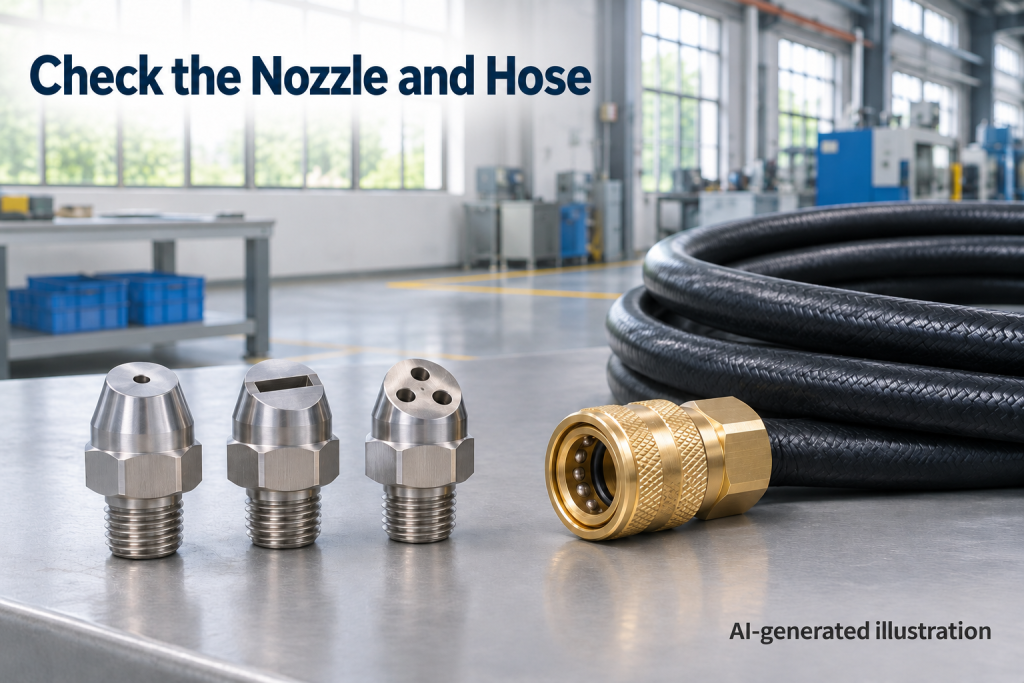
The water temperature a hot water pressure washer can sustain depends on the inlet temperature, operating flow rate, and available heating capacity. With the same inlet temperature, heating more water per minute to the same outlet temperature requires more heat. Some machine manuals list excessive operating flow as a possible reason the washer fails to reach the temperature setpoint. www.kaercher.com
Record the following before comparing configurations:
- Inlet water temperature and outlet temperature setpoint
- Nozzle specification and hose length
- Operating pressure and flow, where available
- Outlet temperature once the machine has settled into normal operation
If the problem began after an accessory change, check whether that configuration is approved for the machine. Where the operating instructions allow, compare it with a known compatible setup under the same water supply and work conditions. Record both pressure and temperature so you can see what changed.
The same comparison helps when choosing equipment. Ask what outlet temperature the machine can sustain at the flow rate and inlet temperature your station will use. That gives you a figure you can check during a trial.
4. Compare Heating Status with Measured Temperature
Record the heating indicator, measured temperature, and any fault code over the same period. A single photo of the display at the lowest temperature can miss the event that preceded the drop.
If the temperature falls when the heating indicator changes, note whether the trigger was released, the supply pressure changed, or a warning appeared at that moment. If the machine continues to indicate heating while the temperature stays below the required range, include the inlet conditions and operating configuration in the service record.
For electric-heated units, record any power or temperature control warnings shown by the machine. For fuel-fired units, record the burner indicator, fuel status, and any repeated shutdowns. Manufacturer manuals list fuel supply and heat exchanger conditions among potential causes of heating problems on certain fuel-fired models. Internal inspection and repair should follow the model’s service instructions and be handled by qualified personnel. www.graco.com
A useful handover note includes what happened, when it happened, and what else changed. For example, “The washer reached its working temperature with the approved nozzle. After several minutes of continuous spraying, the outlet temperature fell while pressure stayed steady. A warning appeared at the same time.”
5. Reproduce the Actual Cleaning Cycle
Cleaning a large machine base may involve long periods of uninterrupted spraying. A small-parts station may stop repeatedly for turning, unloading, and replacing components. A trial should reproduce the work pattern where the problem occurs.
Run one trial under normal continuous spraying conditions and record the temperature range once it stabilizes. Run a second trial using the station’s actual spray, pause, and part-change sequence. For each restart, record how long it takes to return to the temperature range required by the cleaning process.
Use the same approved nozzle, hose, setpoint, and water supply for both trials. If the fluctuations mainly occur after restarting, compare the length of each pause and the recovery time. If they also occur during continuous spraying, review the water supply, flow, and heating records for the affected period.
| What you observe | What to record first | How to compare |
|---|---|---|
| Temperature changes after a part change, then recovers | Pause duration, restart recovery time, and the stage of the next wash | Repeat the trial using two pause lengths typical of the station. |
| Pressure and temperature fluctuate together | Inlet conditions, operating pressure, and other stations drawing water | Compare single-station operation with simultaneous operation. |
| Temperature stays below the required range after an accessory change | Nozzle specification, hose configuration, and operating conditions | Retest using an approved configuration. |
| The same setting gives different results between shifts | Inlet temperature, accessories, and time of day | Compare shifts using the same approved setup. |
| A warning appears as the temperature falls | Fault code, time, pressure, and heating indicator | Follow the machine manual and retain the record for service. |
6. Record Temperature and Recovery Time During Acceptance Testing
Set the acceptance criteria before the trial. A station that cleans large parts continuously may need a defined outlet temperature range throughout the wash. A station that changes parts frequently may need the temperature to recover before the operator begins washing the next part.
An acceptance record should include the water supply conditions, approved accessories, observed temperature range during continuous use, and recovery time after representative pauses. Also record total job time, the number of parts that pass inspection, and the number that require rework. Those figures show whether a temperature change affects production.
Two machines may both clean a heavily soiled sample during a short demonstration. Over a full work cycle, one may maintain a narrower temperature range during continuous spraying, while the other returns to the required range faster after part changes. Use the work pattern your team encounters most often to decide which result matters for that station.
For equipment options to compare under these conditions, see industrial cleaning equipment.
Frequently Asked Questions
Why is the outlet temperature below the setpoint?
Check whether the panel displays a setpoint or a measured temperature. Then review the inlet temperature, operating flow, approved accessories, and heating indicators. A continuous run helps establish whether the temperature remains low throughout or falls at a particular point in the cycle.
How can I tell if a temperature change after restarting matters?
Record how long the water takes to return to the required range after a typical pause. Compare that with when the next part starts receiving spray. If recovery causes extra waiting or repeat cleaning, include that delay in the trial record.
Can changing the nozzle affect water temperature?
A nozzle change can alter the operating conditions. If the temperature problem began after a change, check the model’s approved accessory specifications and compare the pressure, flow, and measured temperature using a confirmed compatible configuration.
Is one continuous spray test enough before purchasing a machine?
Match the trial to the work. If the station frequently changes parts, shares a water supply with other equipment, or runs for extended periods, include those conditions. The trial should cover the stage where temperature changes would affect cleaning or throughput.
For an example of manufacturer troubleshooting guidance on inlet supply, burner operation, and hot water temperature, see the hot water pressure washer operating manual.