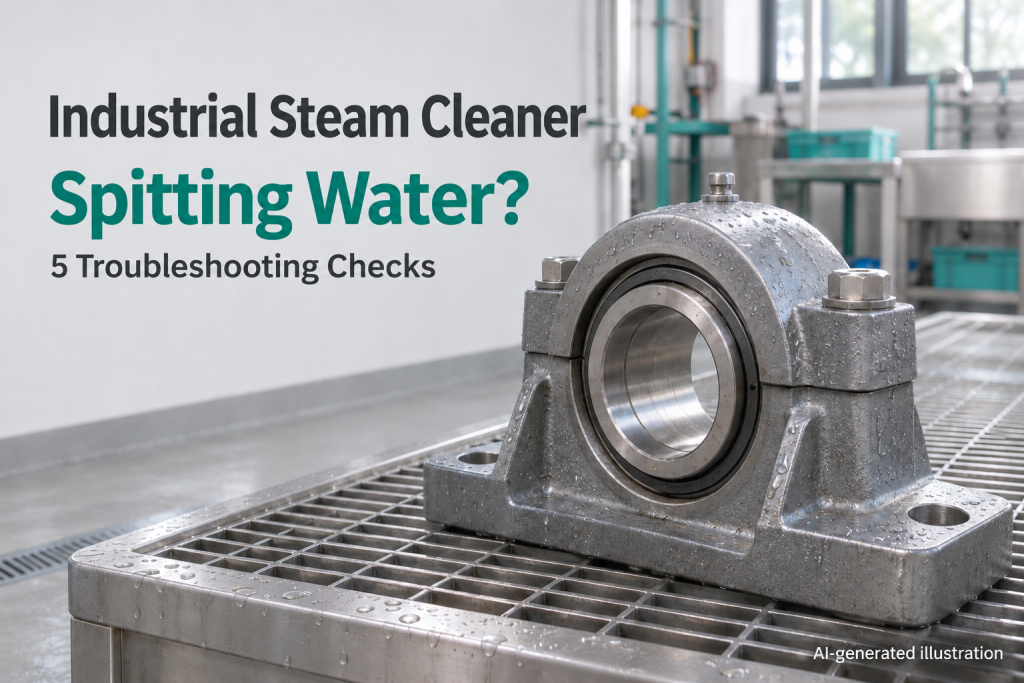
When an industrial steam cleaner spits water, start with the timing. Does it happen only when the trigger is first pulled, or does the outlet keep discharging water after the machine has been running for a while?
Consider two examples from a maintenance workshop. On the first job of the day, a few droplets come out of the steam gun before the output settles. Later, during a batch of bearing housings, liquid repeatedly comes out of the gun and collects in recesses on the parts. Both incidents might be reported as “water coming out of the gun,” but the timing points to different checks.
Record when the machine indicated it was ready, how long the gun had been idle, which operating mode was selected, and which hose and attachment were fitted. If the gun continues to discharge water, the output becomes erratic, or the machine shows a warning, follow the shutdown instructions for that model and pass the operating record to qualified service personnel.
Table of Contents
- Identify When the Industrial Steam Cleaner Starts Spitting Water
- Check the Steam, Spray, and Extraction Modes
- Verify Hose Length, Routing, and Attachments
- Record Machine Status if Water Discharge Continues
- Test the Machine at the Workshop’s Normal Pace
- Frequently Asked Questions
1. Identify When the Industrial Steam Cleaner Starts Spitting Water
Steam can condense as it loses heat in a hose or fitting. At cold startup, the hose and attachments are also warming up. Manufacturer guidance for some steam cleaners identifies condensate collected in the hose as a possible cause of water discharge when the trigger is first pulled. Use the startup procedure specified for the machine on site. Steam Cleaner Operating FAQ
A few droplets at cold startup. Record when the machine indicates it is ready, when the trigger is first pulled, and when the output stabilizes. If the droplets appear consistently at the start of the day, include the time needed for the output to settle in the first job’s setup time.
Droplets after a pause. Note what happened during the pause. The operator may have turned over a part, moved to another work area, or waited for inspection. Compare what happens after a normal part change with what happens after a longer pause. Record how long each pause lasted and how long the output took to stabilize.
Repeated discharge during continuous operation. Note which part was being cleaned when the symptom began, whether pressure changed, and whether the control panel showed a warning. This gives a service technician a point in the work cycle to investigate.
Also observe where the water first appears. Liquid leaving the steam outlet and water forming on a cooler workpiece are separate observations. If the output looks steady but water collects near a bolt hole or at the bottom of a housing, record the part’s orientation and drainage path. Steam can condense as it transfers heat to a cooler surface. Steam Distribution and Condensate
2. Check the Steam, Spray, and Extraction Modes
Some cleaning systems combine steam output, liquid spray, and vacuum recovery. Before investigating why an industrial steam cleaner is discharging water, confirm the selected mode and the functions of the attachment in use. Depending on the machine, a spray mode may intentionally deliver water or cleaning solution.
For example, a workshop may use steam for corners on a metal part in the morning, then switch to a spray and extraction attachment for another task. If more moisture appears after the change, check whether that mode supplies liquid. Observe whether it comes from the spray outlet, the steam outlet, or the area where the attachment contacts the workpiece.
If the symptom appears only after changing an attachment, photograph the original and replacement setups. Include the selected mode and connection points in the record. The next operator can then reproduce the same setup during a check.
For parts that go directly to assembly, inspect the surfaces specified by the next process. An open face may drain readily while a recess or blind hole still holds liquid. Record outlet behavior and water remaining on the part separately so the team can decide which stage to investigate.
3. Verify Hose Length, Routing, and Attachments
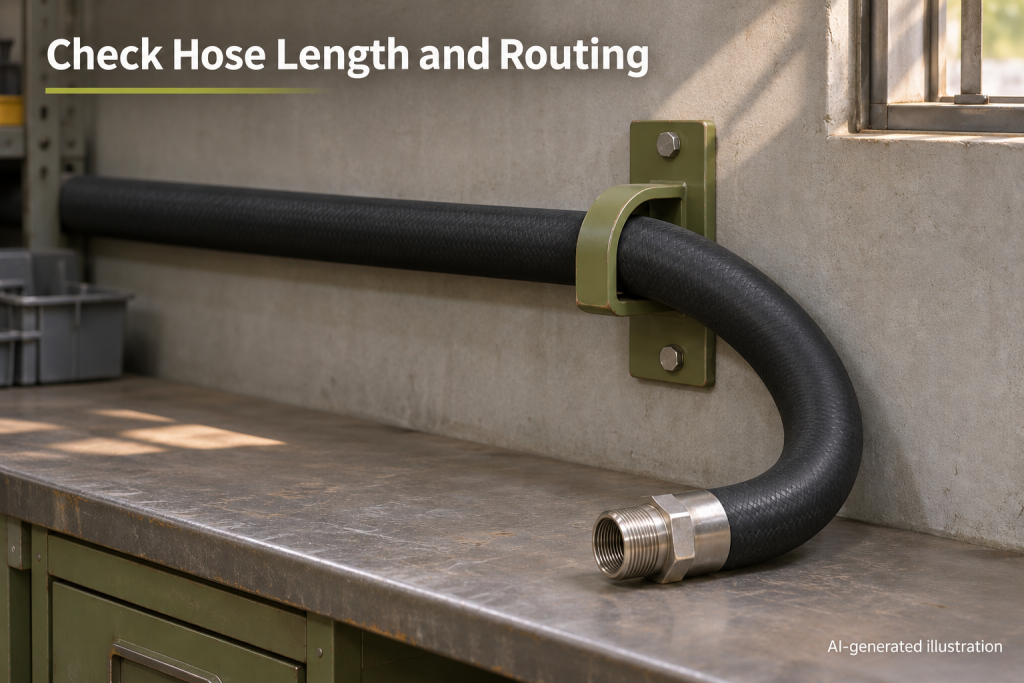
Moving an industrial steam cleaner to a different workstation may change the working distance, hose length, and way the hose is routed. A demonstration may use a short hose, while the production layout requires the hose to reach around a frame or across a larger work area. Those conditions should appear in the trial record.
Record the hose model, length, number of connected sections, attachment type, and routing. Compare those details with the configurations approved for the machine. If the problem began after a setup change, keep photos of both configurations.
For example, a team might extend the hose and fit a different nozzle on the same day. If both are changed back at once and the symptom disappears, the team still has two variables to investigate. Where both configurations are approved, compare one change at a time and use the same operating mode and work pattern.
During an on-site trial, use the planned hose setup and working distance. Record whether the output stabilizes at the farthest work position and how it behaves after a typical part change. This gives the site a setup it can reproduce after delivery.
4. Record Machine Status if Water Discharge Continues
If an industrial steam cleaner repeatedly discharges water during continuous operation after the specified startup procedure, build a timeline. Note when the symptom began, which attachment was fitted, what the pressure display showed, whether the machine was refilling, and whether a warning appeared.
A service note might read:
The machine indicated it was ready, and output was steady while cleaning the first two housings with the specified attachment. During the third part, the gun began discharging water repeatedly and a warning appeared. The operator shut down the machine according to the manual and saved a photo of the warning.
Follow the model’s instructions when checking its water supply, operating indicators, and warning messages. Internal checks involving the heating system, pressurized components, or controls should be handled by qualified service personnel. Send them the machine model, warning information, attachment configuration, and the sequence of events.
| What you observe | What to record first | How to check |
|---|---|---|
| A few droplets appear when the gun is first triggered | Ready indication, hose setup, and time until output stabilizes | Compare with the next cold startup using the same approved setup. |
| Water appears after a pause to change parts | Pause duration and time until output stabilizes after restarting | Compare two pause lengths that occur during normal work. |
| The workpiece becomes noticeably wetter after a mode change | Selected mode, attachment, and where the liquid appears | Check the model manual to confirm whether that mode supplies liquid. |
| The symptom begins after a hose or nozzle change | Previous and current hose lengths, routing, and attachment models | Compare one approved configuration change at a time. |
| Output appears steady, but water collects in a recess | Part orientation, drainage path, and where water first appears | Compare approved part orientations and inspect the same recess. |
| Repeated water discharge occurs with a warning | Warning message, pressure, timing, and operating setup | Follow the model’s shutdown instructions and pass the record to service. |
5. Test the Machine at the Workshop’s Normal Pace
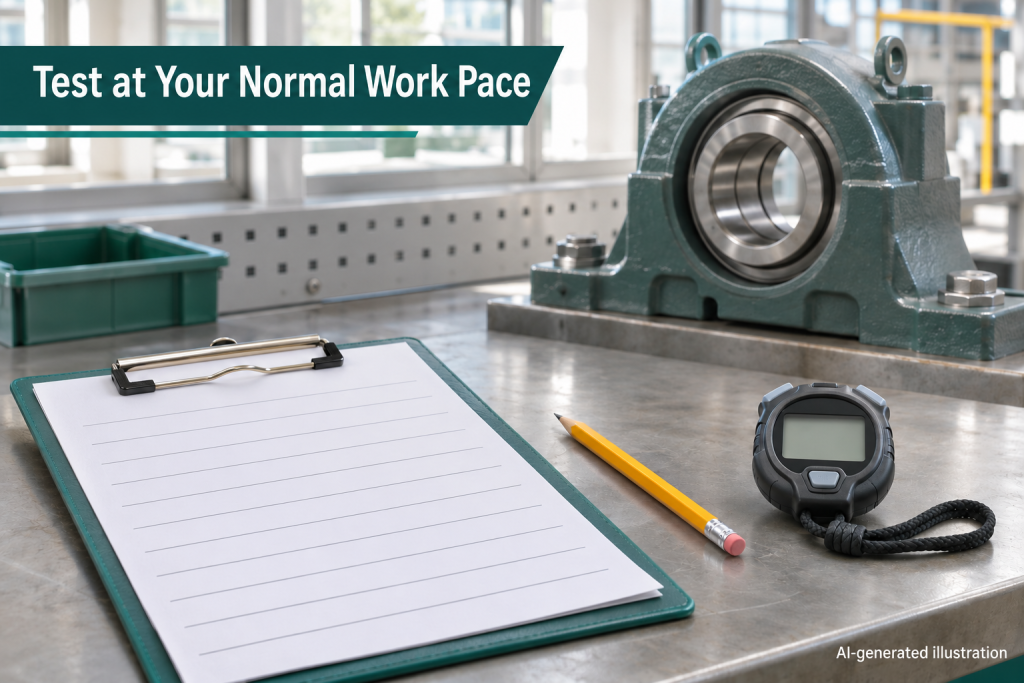
When evaluating an industrial steam cleaner, choose parts that represent the work. For bearing housings, include bolt holes and recessed corners. For maintenance components, include the joints and areas that are hardest to reach. Use the hose and attachments planned for the job.
Run the trial in three stages:
- Cold startup. Record the time from switching on the machine to being ready for the first part.
- Continuous operation. Clean representative parts at the usual pace. Record changes in output, any areas that need a second pass, and time spent collecting or draining residual liquid.
- Restart after a pause. Reproduce both a routine part change and a longer wait that occurs on site. Measure the time from restarting to stable output.
Set the inspection criteria before the trial. If parts are going directly to assembly, identify which holes, machined faces, and low points need to be checked. Record any extra draining, wiping, or inspection time and include it in the total job time.
Compare the number of parts that pass inspection, the number requiring rework, and the time spent waiting or handling residual water. A machine that performs well during a short demonstration may behave differently when several parts are cleaned in sequence or when the operator stops frequently. Industrial Steam Cleaning Equipment and Applications
Frequently Asked Questions
Is it normal for a steam gun to release a few drops at startup?
Some models may briefly release condensate that has collected in the hose. Follow the startup procedure in the machine manual and observe whether the output stabilizes. If discharge continues, worsens, or occurs with a warning, follow the model’s shutdown and service instructions.
How can I tell if water discharge after a pause is slowing down production?
Record the pause duration and how long it takes for the output to stabilize after restarting. Then check whether the operator has to wait, repeat a cleaning pass, or spend extra time draining the part. Compare those times across a full batch.
Why is there water in the workpiece even when the gun output looks steady?
Steam can condense on a cooler surface, and liquid can collect in holes, recesses, or other low points. Check where the liquid first appears, how the part is positioned, and where it can drain. Observe the same location when comparing different approved setups.
Should restart behavior be part of the acceptance test?
Include it if operators regularly pause to change parts, move fixtures, or wait for inspection. A continuous run shows how the machine performs while it is operating steadily. A full work cycle also captures recovery after pauses and the time needed to prepare each part for handover.